



The Center of learning aids to develop Thai education to international
50th Anniversary
How to troubleshoot connection issues between MatataBot and Command Tower

วิธีแก้ไขปัญหา MatataBot และ Command Tower ไม่เชื่อมต่อกัน
หากหุ่นยนต์ (MatataBot) ไม่สามารถเชื่อมต่อกับ Command Tower ได้ สามารถแก้ไขเบื้องต้นได้โดยการ Reset Bluetooth ที่ตัว Command Tower ตามขั้นตอนในภาพประกอบ

หมายเหตุ
- วิธี Reset Bluetooth นี้สามารถใช้ได้กับ MatataBot และ Command Tower จากชุด MatataStudio Coding Set (Home Edition), MatataStudio Pro Set และ MatataStudio Coding Set Pro หรืออื่น ๆ
- กรณีต้องการ Reset Bluetooth หลายชุด แนะนำให้ Reset Bluetooth และเชื่อมต่ออุปกรณ์ทีละคู่ เพื่อป้องกันการจับคู่ผิดอุปกรณ์
- MatataBot และ Command Tower สามารถสลับใช้งานระหว่างชุดได้ แต่ต้อง Reset Bluetooth ทุกครั้งที่เปลี่ยนคู่เชื่อมต่อ
- จากขั้นตอนที่ 2-3 เมื่อเปิดเครื่อง Command Tower แล้ว และมีไฟน้ำเงินติดค้างอยู่แต่ไม่กะพริบ ก็สามารถดำเนินการ Reset Bluetooth ตามขั้นตอนในภาพได้เช่นกัน
Writer : Pacharee Wongcherngyoot
Recommended for you
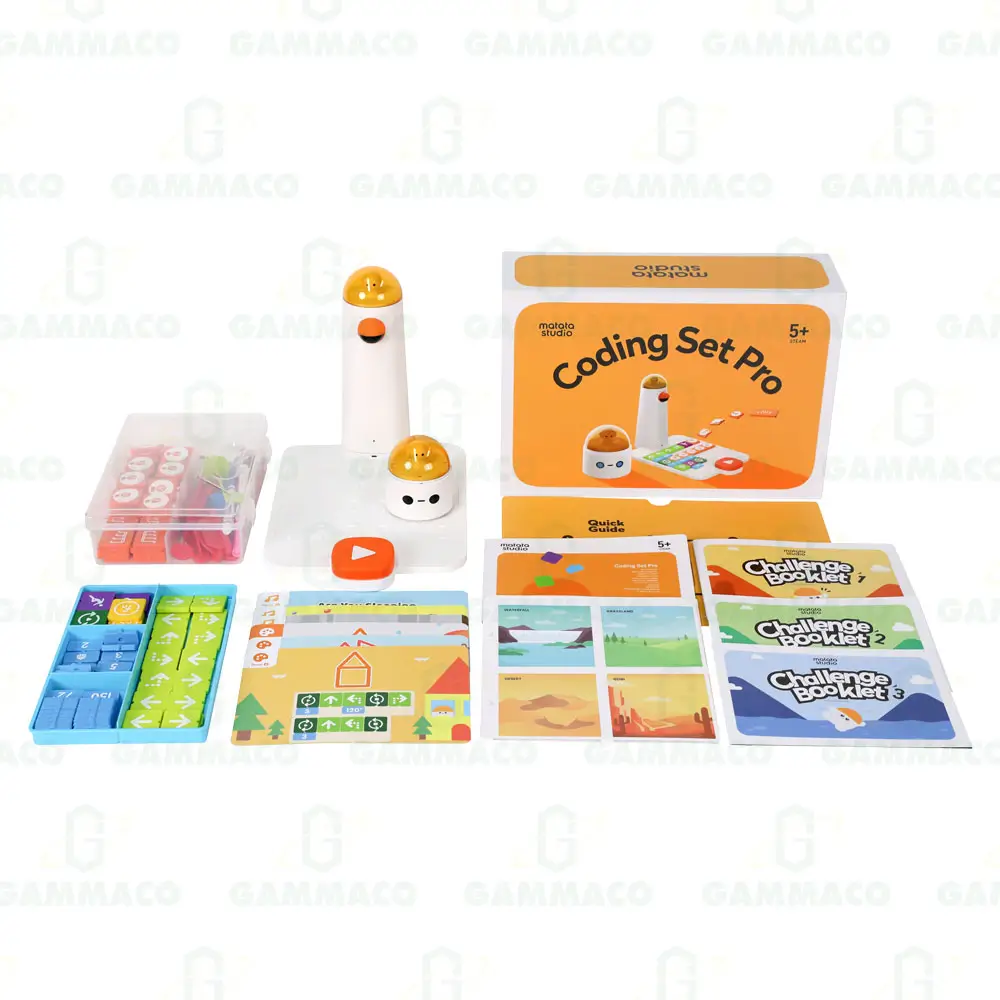
CODE : 80DM9012266
฿ 14,400
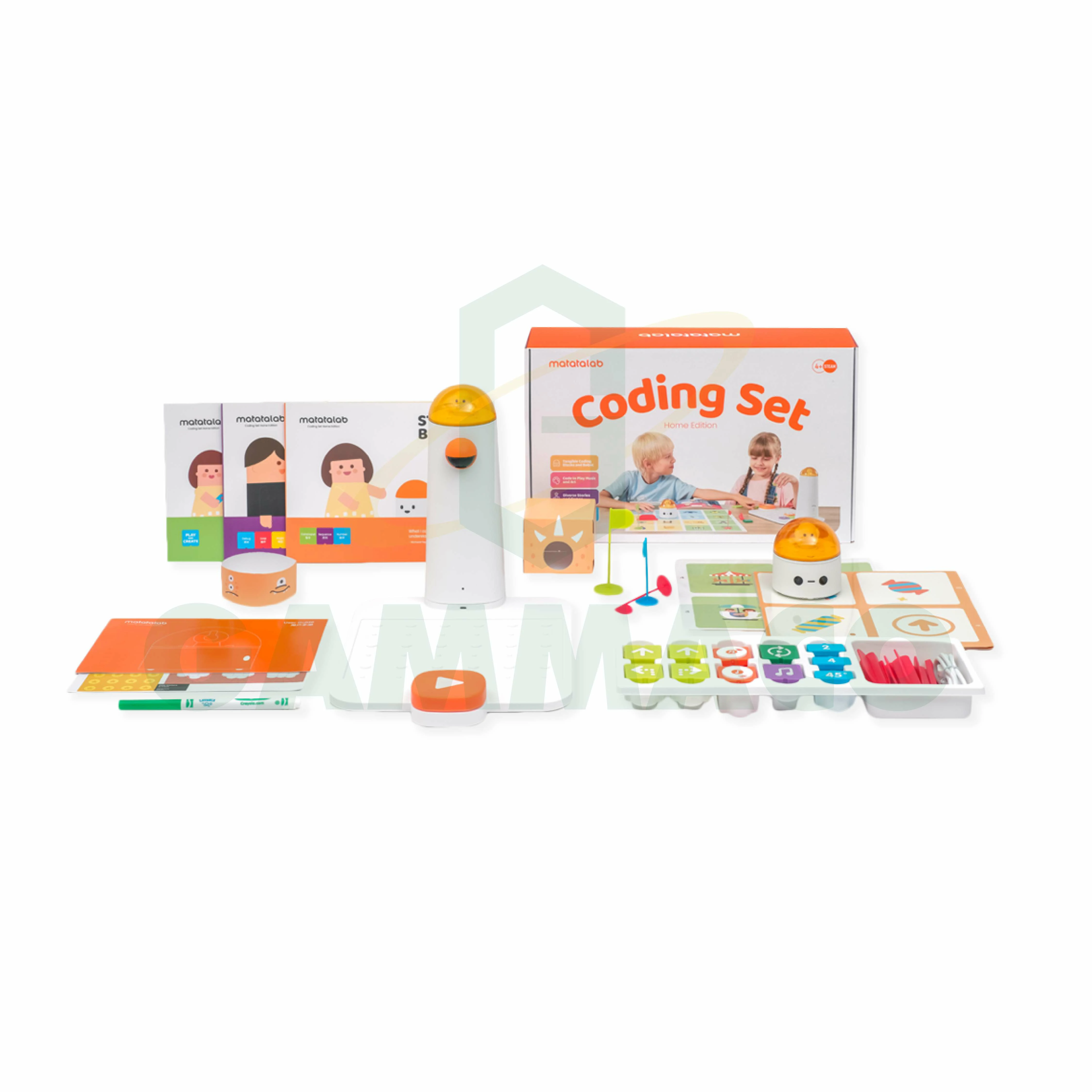
CODE : 80DM9503008
฿ 9,500